Pixel artists
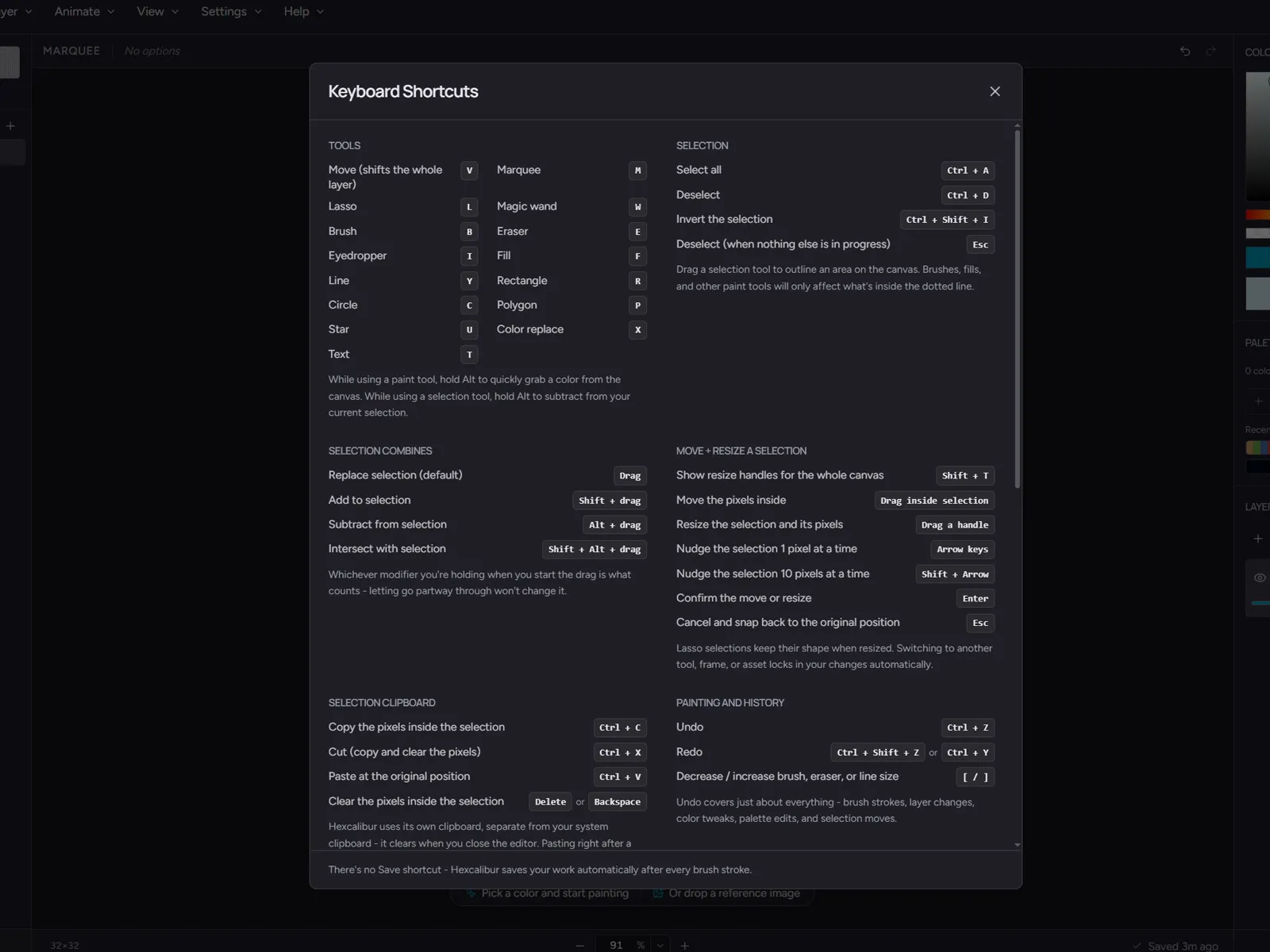
If you live in a 16-pixel grid, Hexcalibur is a modern, browser-based home for your work. Layers, palette tools, references, brushes, keyboard shortcuts, animation timeline with GIF export. Free, with no account.


Hexcalibur is a browser-based pixel-art editor for voxel-game block textures. Real-time 3D preview, pack workflow, an animation timeline, and engine-ready exports for Minecraft, Tiled, and the indie engine stack. Free, with no account.
The block-texture tax
You spend more time on the loop than the art.
Reloading the game just to check one seam
Juggling thirty files that make up one pack
Re-cutting the same art for every engine
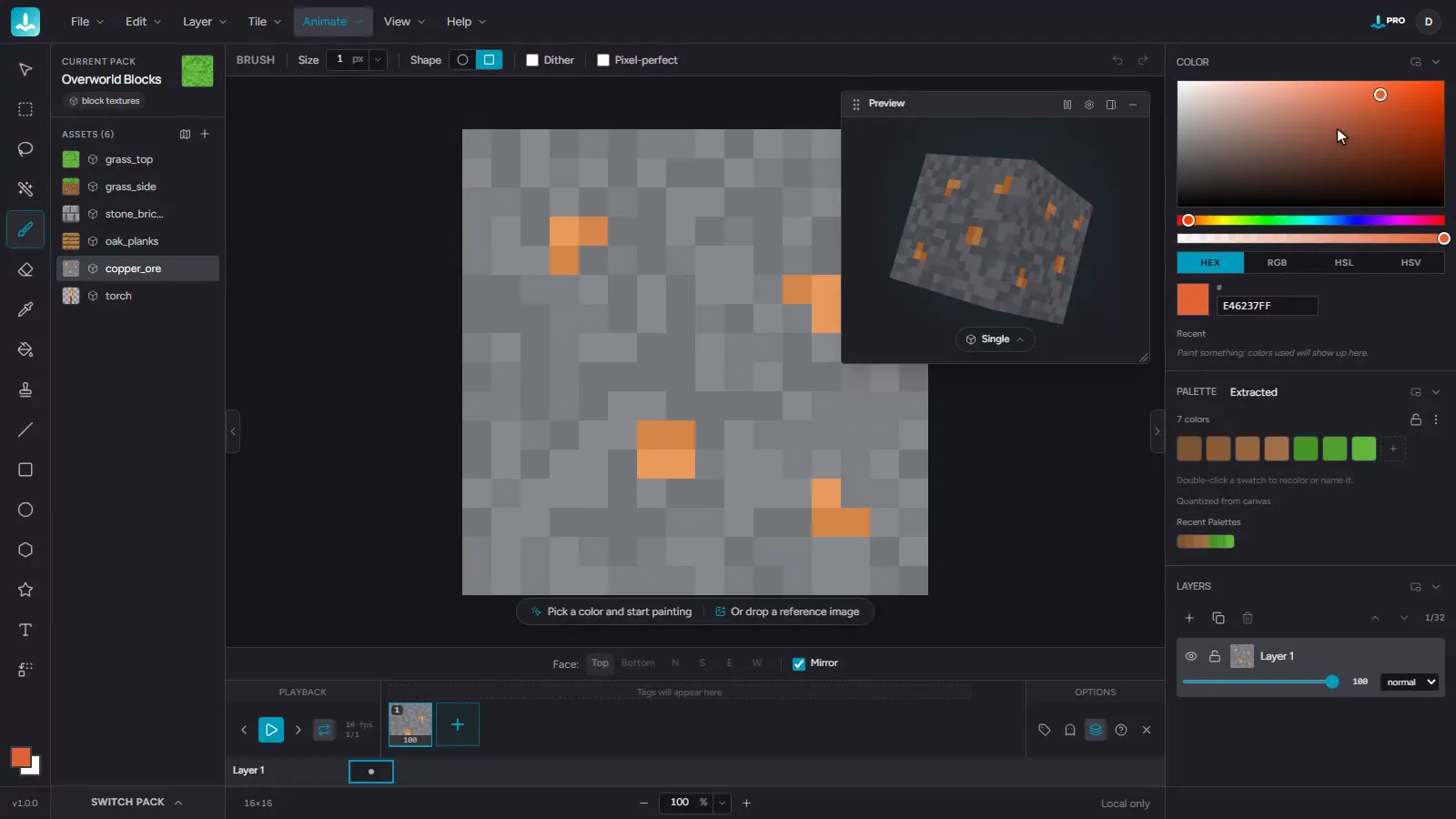
The 3D preview
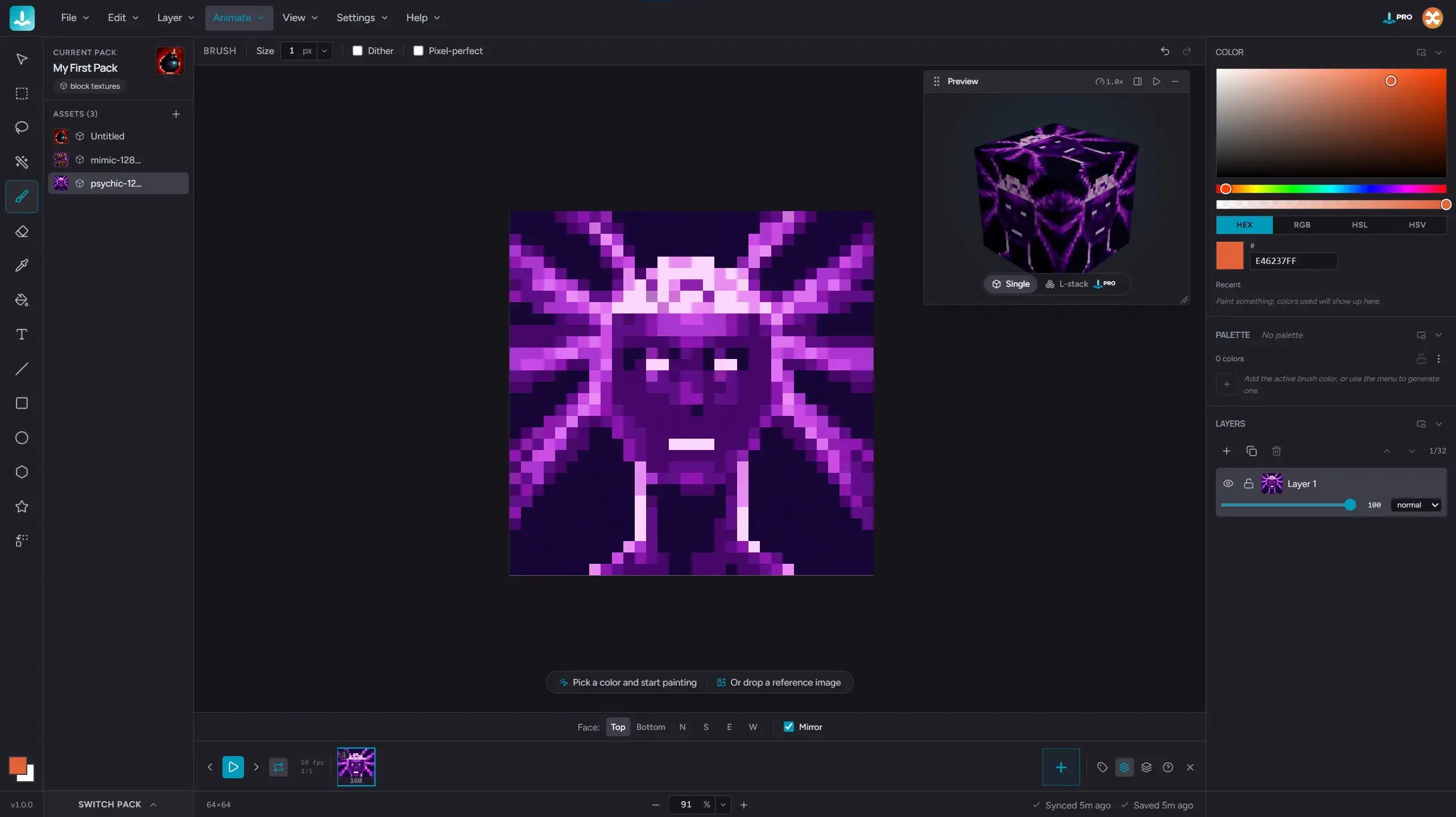
A live 3D preview rotates while you paint. Single cube for simple blocks, L-stack for stairs and slabs, so the texture wraps across multiple adjacent faces.
Watch the seams meet in real time. No reload loop, no guesswork, no surprise mismatches when you ship.
The pack workflow
A pack holds every asset for one resource pack: textures, palette, references. Switch between assets without opening a new file.
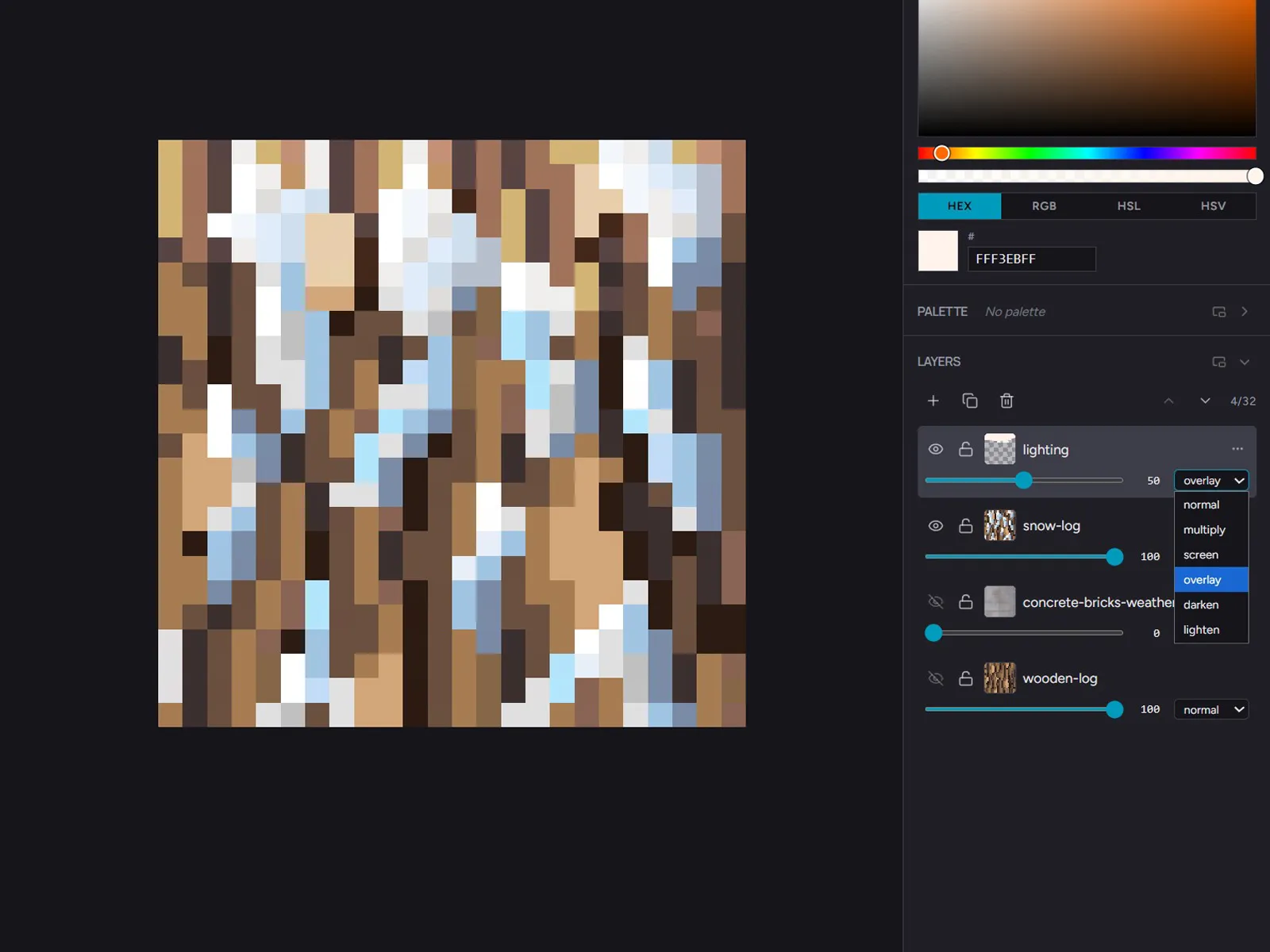
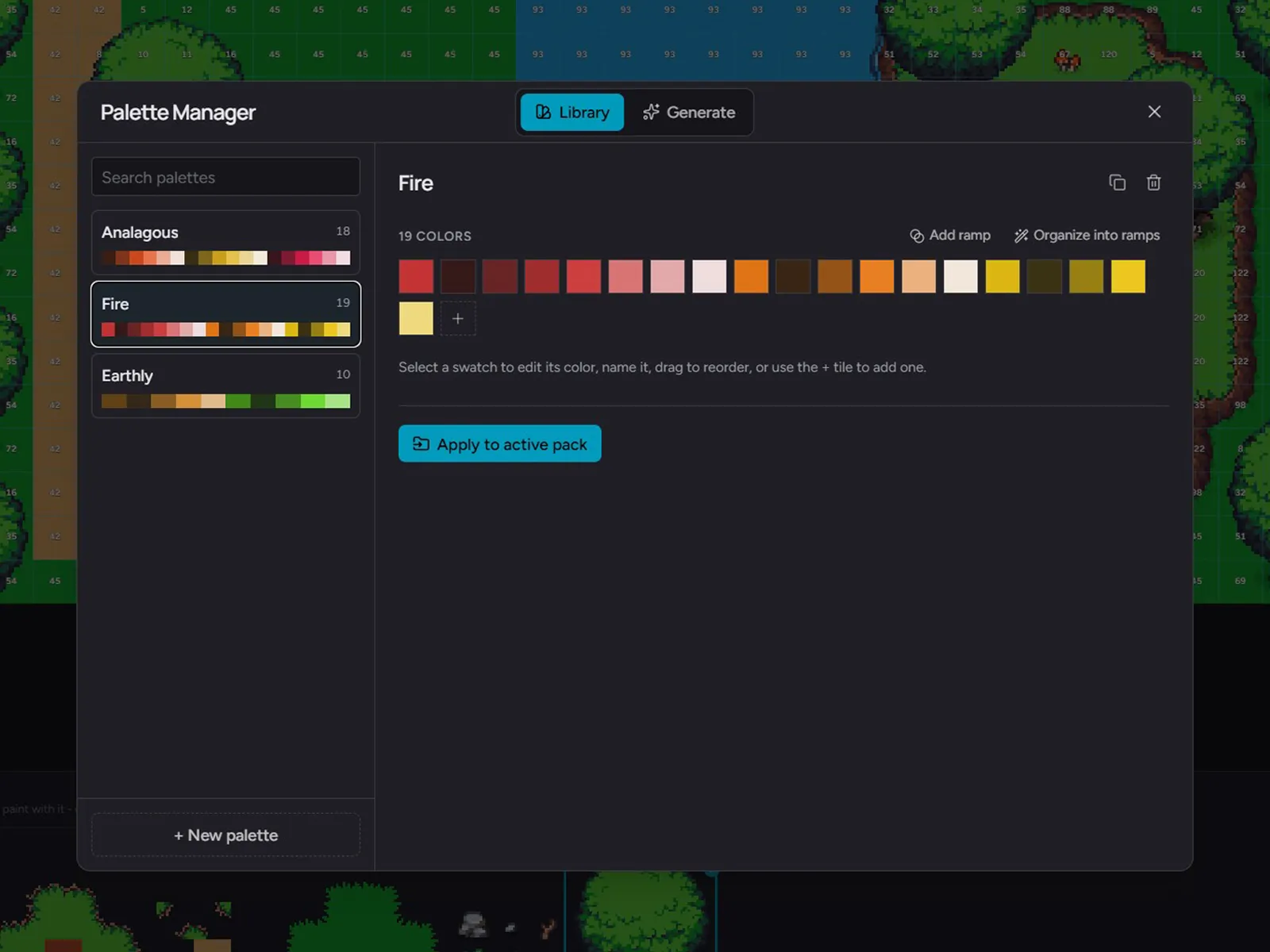
Lock a shared palette across the pack so your stone and your dirt agree on what gray is. Drag-reorder, multi-select, set-as-cover. The pack is the unit, not the asset.
The export flow
Pick your engine. Hexcalibur produces the file tree, naming convention, and metadata it expects. Per-face PNGs for Minecraft Java with the right block-model JSON and pack_format. A correctly-shaped atlas for ThreeJS, Babylon, Godot, and Unity. A Tiled .tsx for 2D engines. No manual remapping.
Engines today
Versioned presets. When Minecraft ships a new pack_format, the matching preset lands within 14 days. New engines added as users surface them.
Animation
A full frame timeline with onion-skin and tags. Paint each frame, scrub the loop, group frames into named tags for walk cycles, idle animations, and FX sequences. Pixel-perfect timing, baked in.
Export per tag as animated GIF, lossless APNG, or a sprite sheet that Phaser, Unity, Godot, and Three.js read directly. One canvas, every animated format your engine actually wants.
Tilemaps & tiles
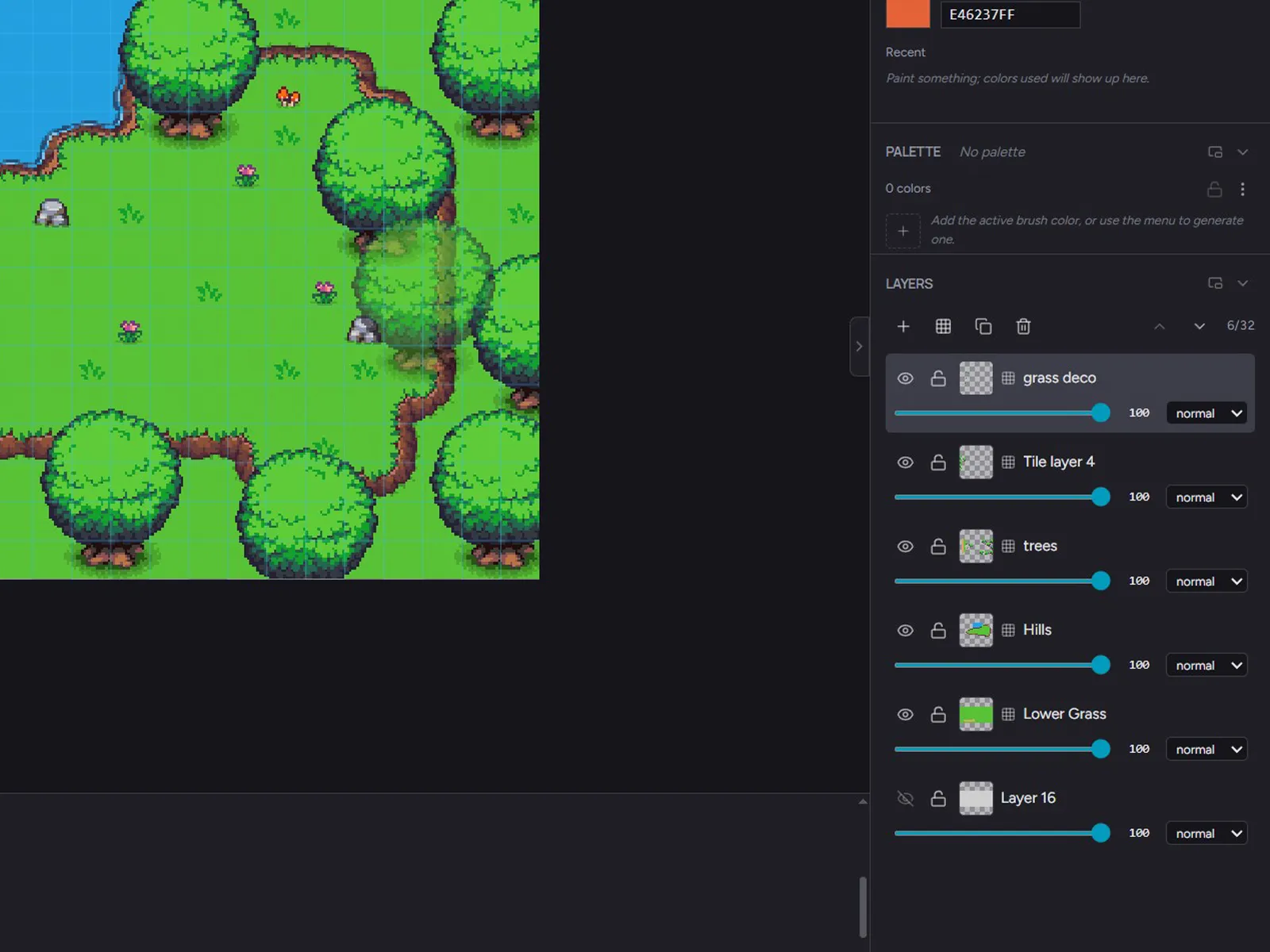
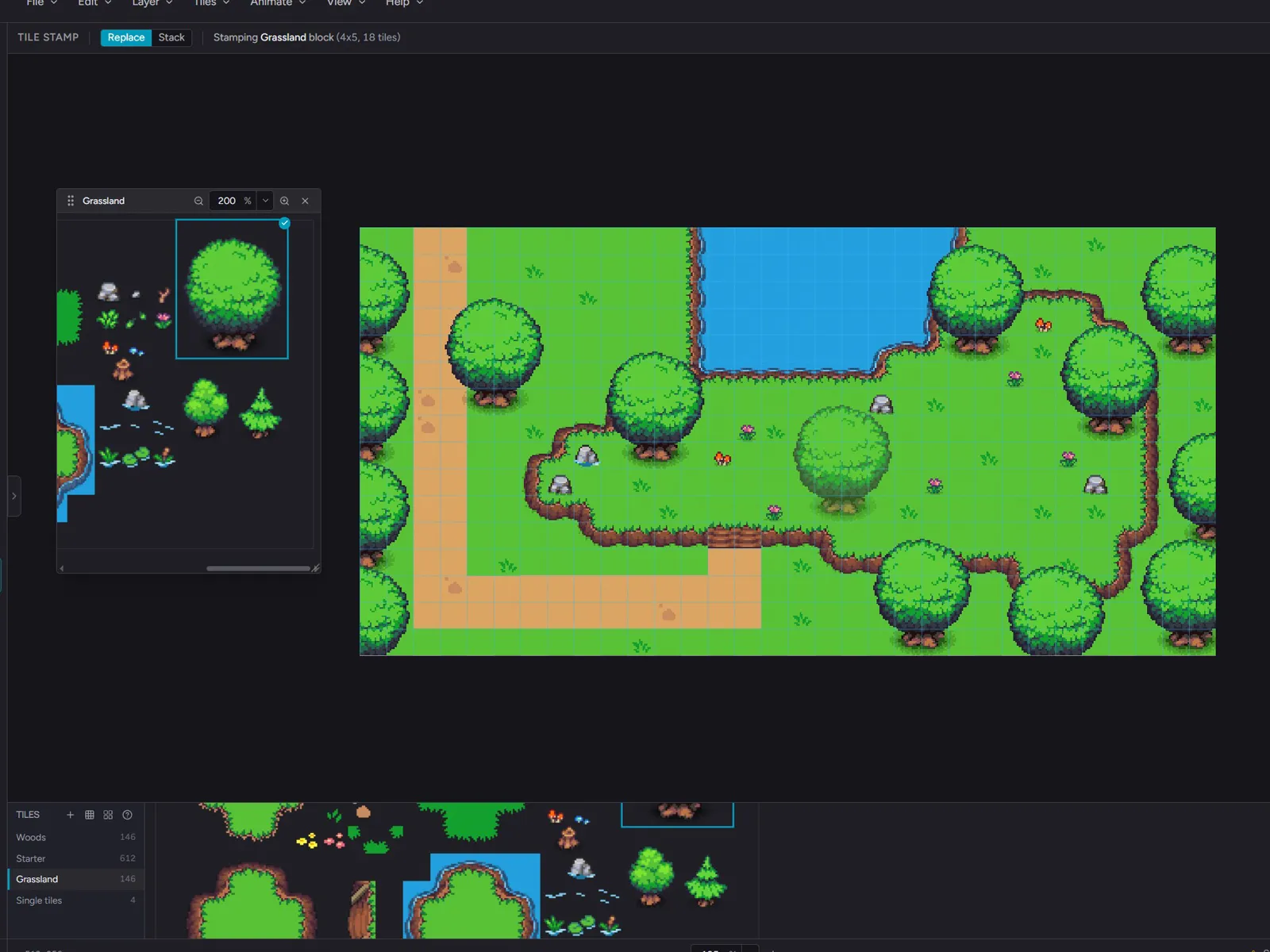
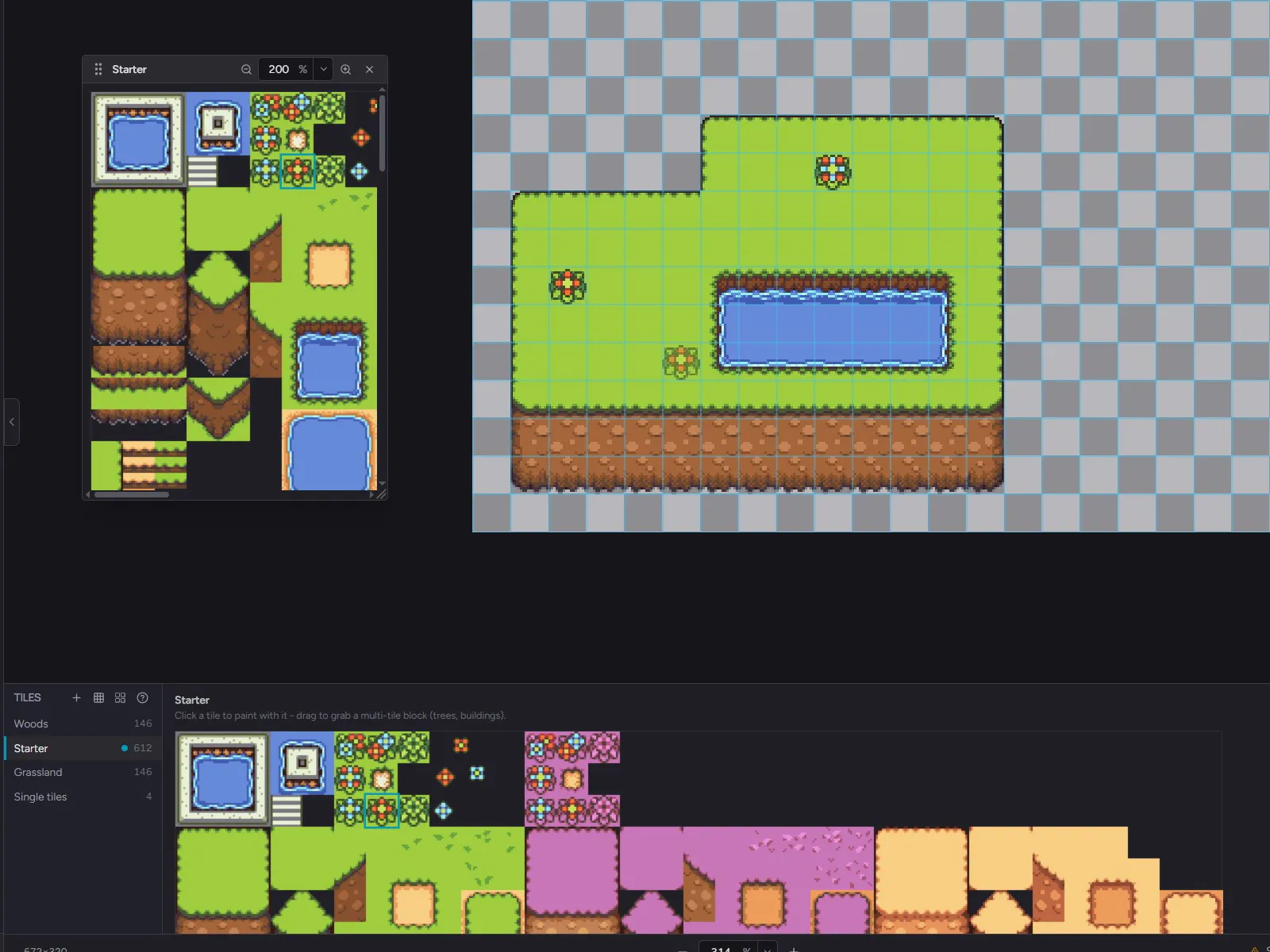
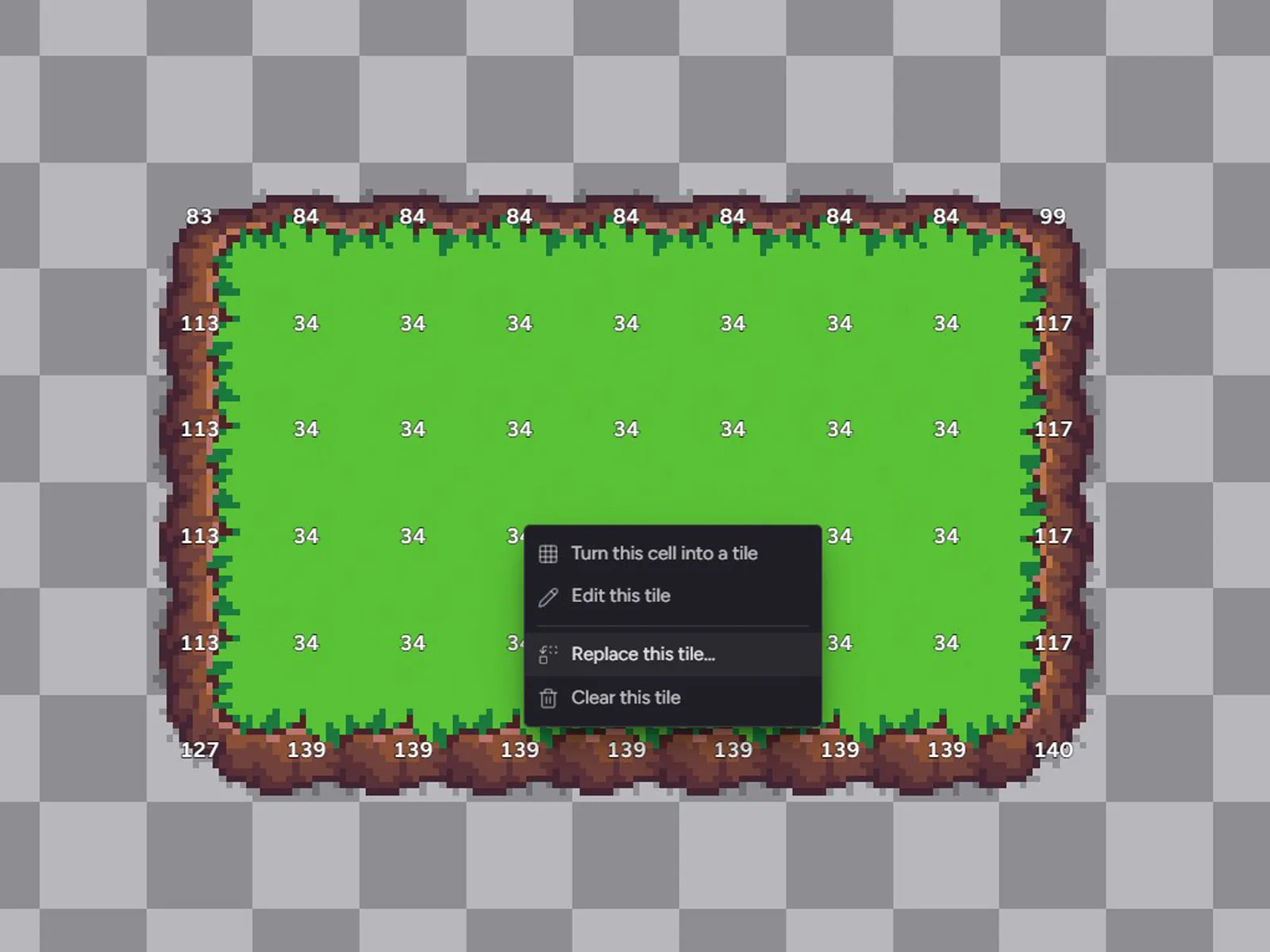
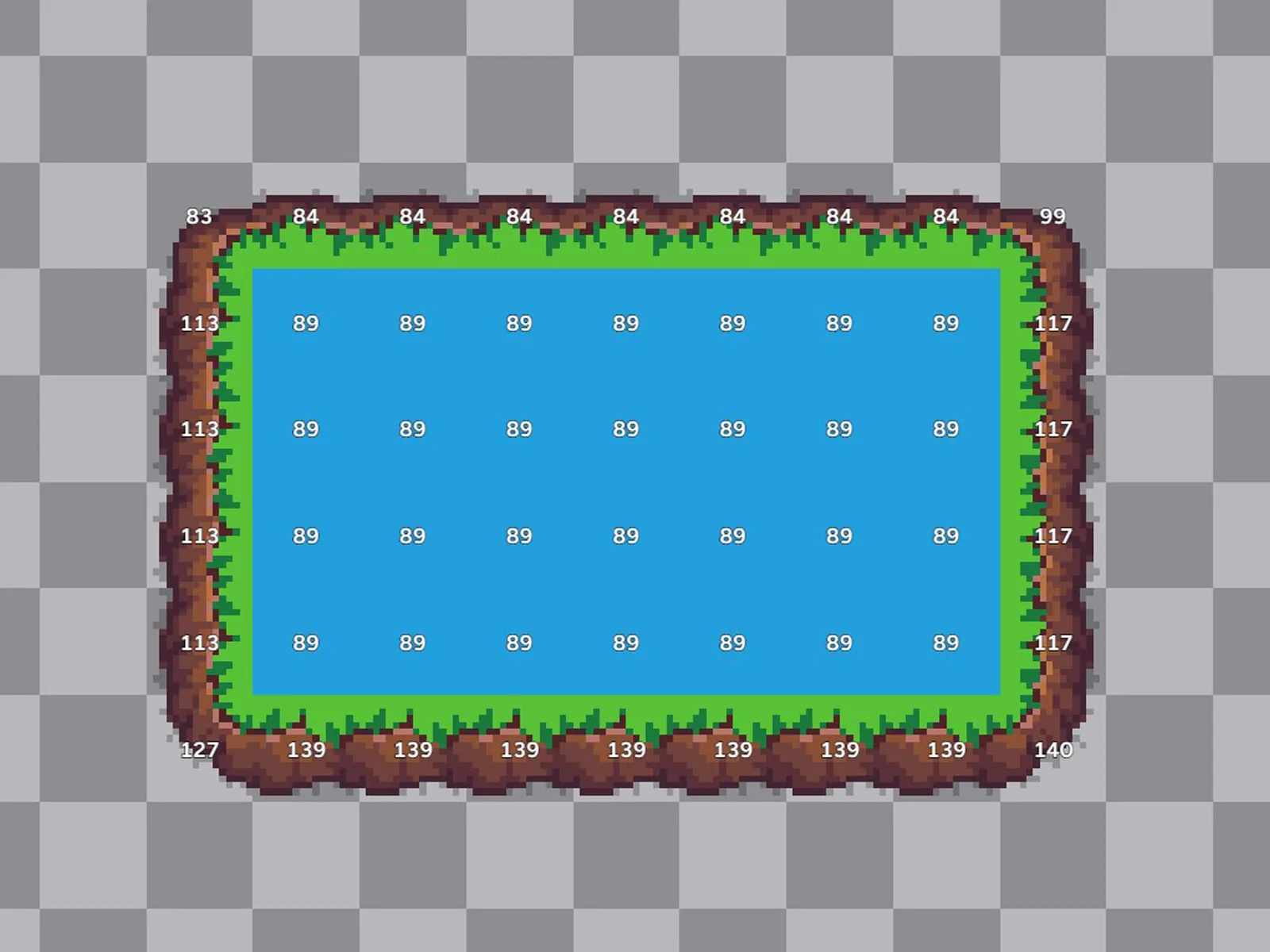
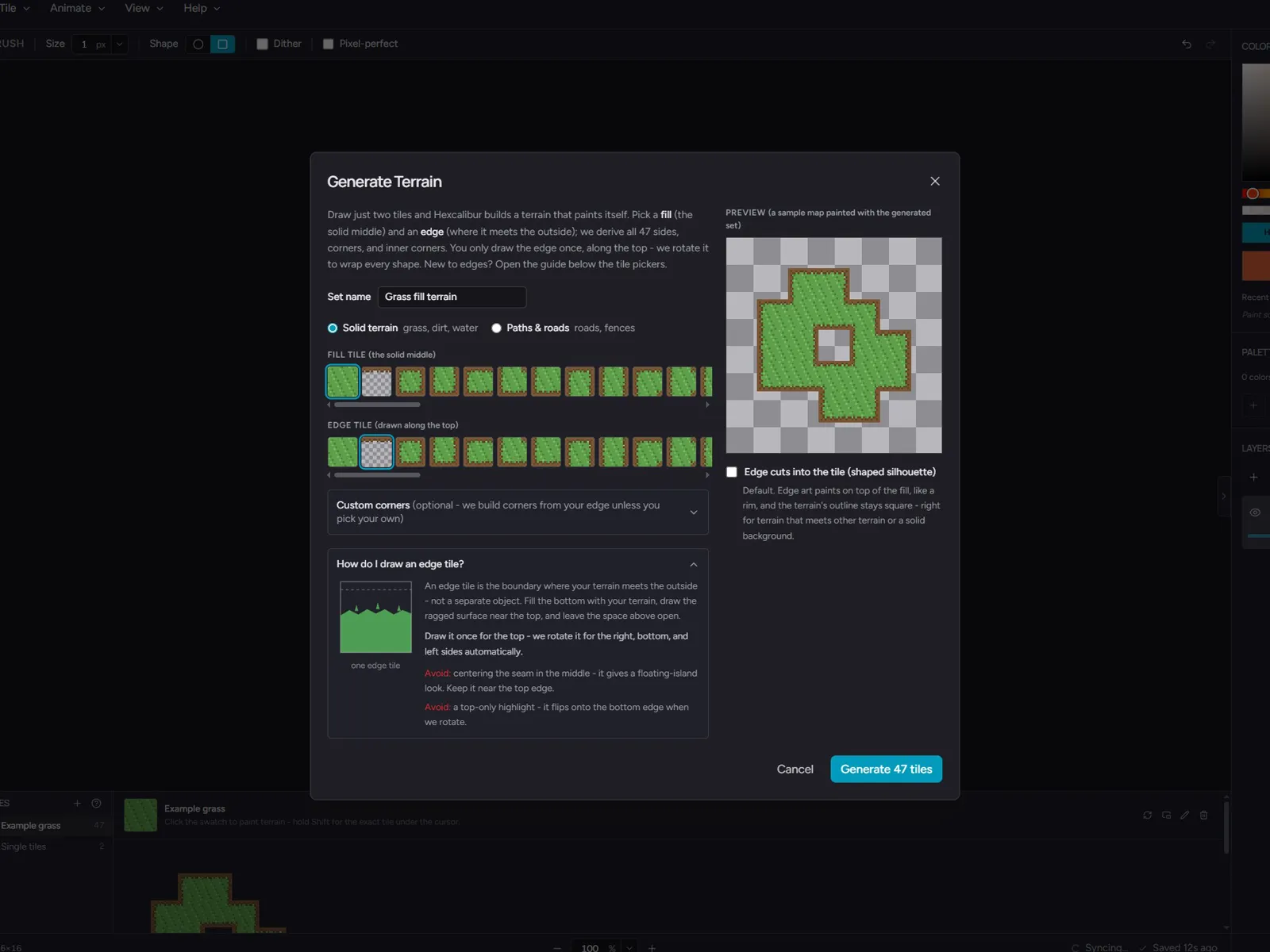
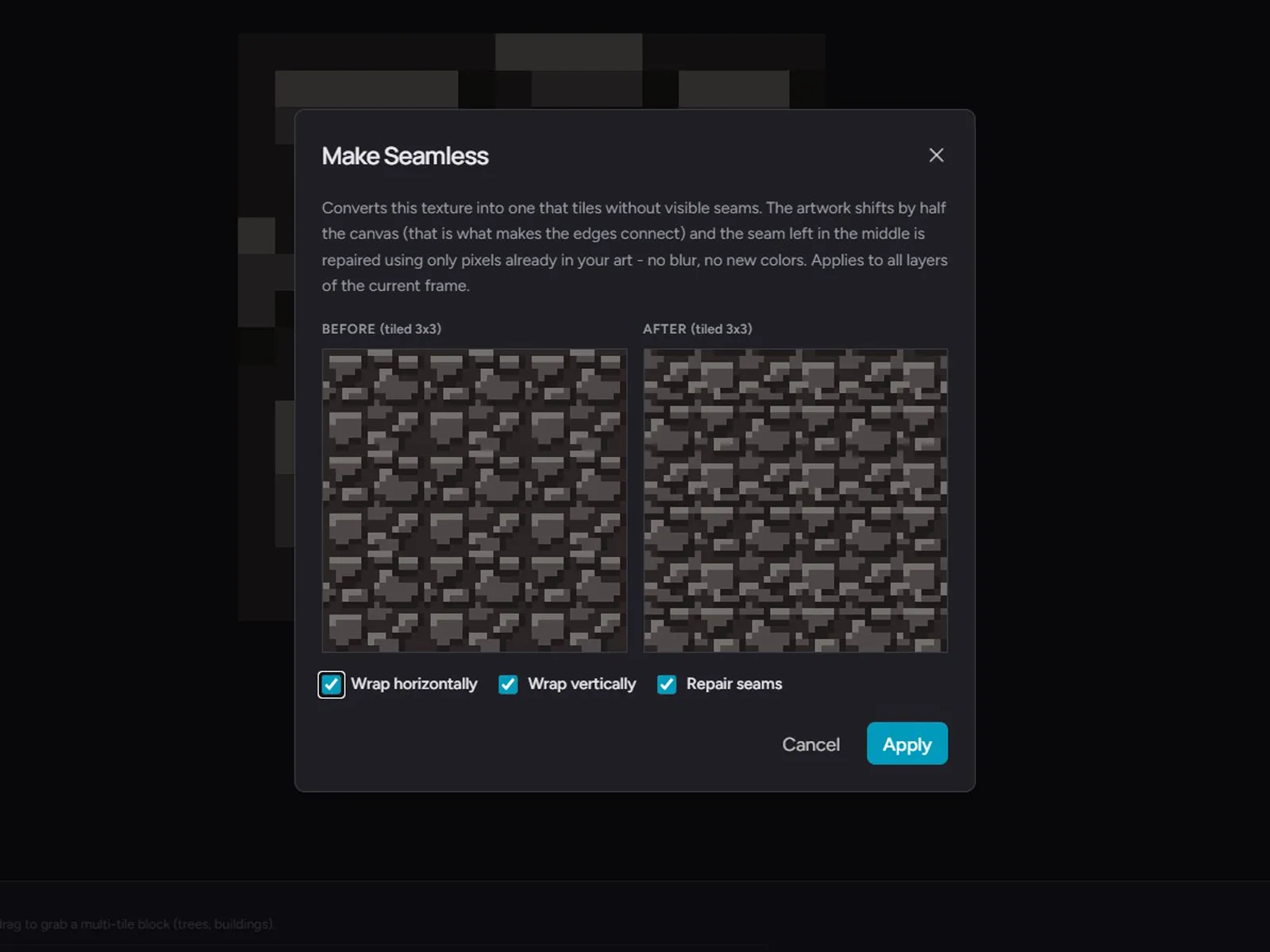
Import a tileset or draw your own tiles, stamp single tiles or whole multi-tile blocks, and paint maps as their own layers. Generate a whole terrain from two tiles, or make any tile seamless.
The rest of the editor
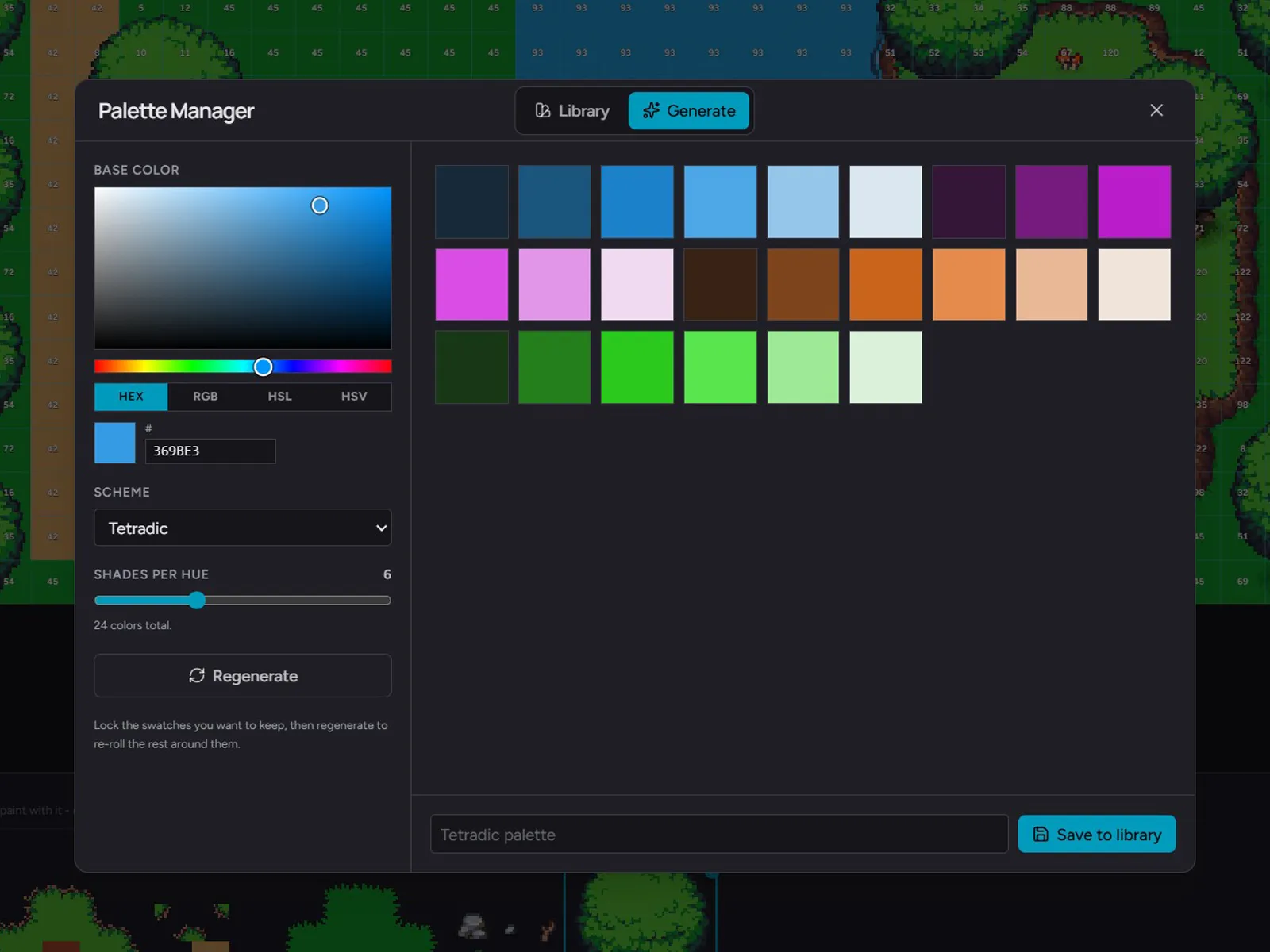
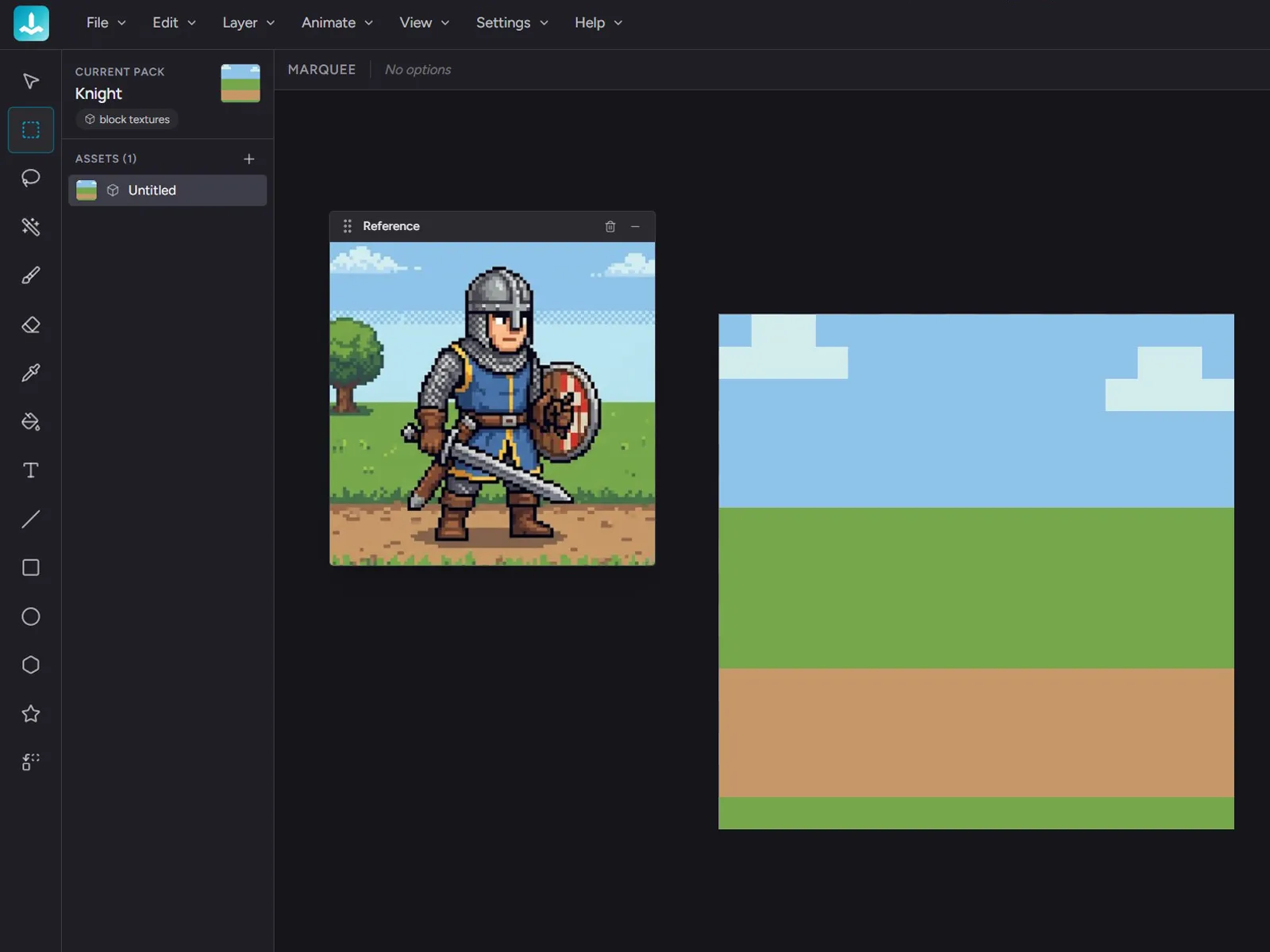
Beyond the 3D preview, packs, and engines, Hexcalibur is still a full-strength pixel-art editor. Tools, palette workflow, references, and ergonomics that hold up to a long session.
Who it's for
If you live in a 16-pixel grid, Hexcalibur is a modern, browser-based home for your work. Layers, palette tools, references, brushes, keyboard shortcuts, animation timeline with GIF export. Free, with no account.
If you ship block textures for Minecraft Java mods, Bedrock add-ons, or your own ThreeJS / Babylon / Godot / Unity voxel game, Hexcalibur compresses the texture loop into a single tab. 3D preview, pack-level workflow, engine-aware export, all free.
What you get
No fine print. No quotas to babysit. No surprise charges. The promises below are the whole deal.
Your art saves to your browser and never uploads. There is no account, so there is nothing to sign in to and nothing to sync.
Every tool, every preview mode, every export. No tiers, no trial timer, no card.
Save a whole pack to one .hexc file to keep a backup or move your work to another browser or computer.
Any modern browser, any operating system. Nothing to download, nothing to update.
Free
Hexcalibur is free to use, with nothing locked. Open the editor and start a pack. Your work saves in your browser and never leaves your device.
FAQ
Hexcalibur is a browser-based pixel-art editor for voxel-game block textures. It pairs a full pixel-art toolset (layers, palette tools, animation timeline) with a multi-shape 3D preview, pack-level workflow, and engine-aware export for Minecraft Java, Bedrock, Tiled, and any ThreeJS / Babylon / Godot / Unity voxel engine.
No. Hexcalibur saves everything in your browser's local storage, and nothing leaves your device. There's no account and no cloud, so we never see your art. To back up a pack or move it to another computer, use File > Export Pack File (.hexc).
No. Open the editor and start painting. There's nothing to sign up for.
Hexcalibur ships with named presets for Minecraft Java (resource packs, every pack_format from 1.20 through 26.2), Minecraft Bedrock (add-ons), Tiled tilemap (.tsx), a generic atlas in TexturePacker JSON-Hash format that Phaser, Babylon, Godot, Three.js, and Unity all consume, plus a Raw per-face ZIP (+x/-x/+y/-y/+z/-z PNGs) and a Custom exporter for any other voxel engine.
Yes. The animation timeline supports multi-frame assets, onion-skin, and named tags for walk cycles, idle loops, and FX sequences. Animations export as GIF, lossless APNG, a sprite-sheet format that Phaser, Unity, Godot, and Three.js read directly, and engine-native animated textures: Minecraft Java .mcmeta with frametime and optional interpolation, plus Bedrock flipbook.
Yes. Every feature is free: unlimited packs and assets, the multi-shape 3D preview, every engine export and pack-scope bundle, animation exports, tilemaps and terrain generation, Make Seamless, and stair and slab derivation. There's no paid tier and nothing to unlock.
See everything that's includedYour packs save automatically in your browser as you paint. Browsers can clear site data, so keep a .hexc backup of any pack you care about (File > Export Pack File). A .hexc file restores the pack exactly, with every layer, frame, and palette.
Hexcalibur runs in any modern browser - Chrome, Edge, Safari, or Firefox - on Windows, macOS, Linux, and Chromebook. It's designed for desktop with a mouse or trackpad; phones aren't supported.
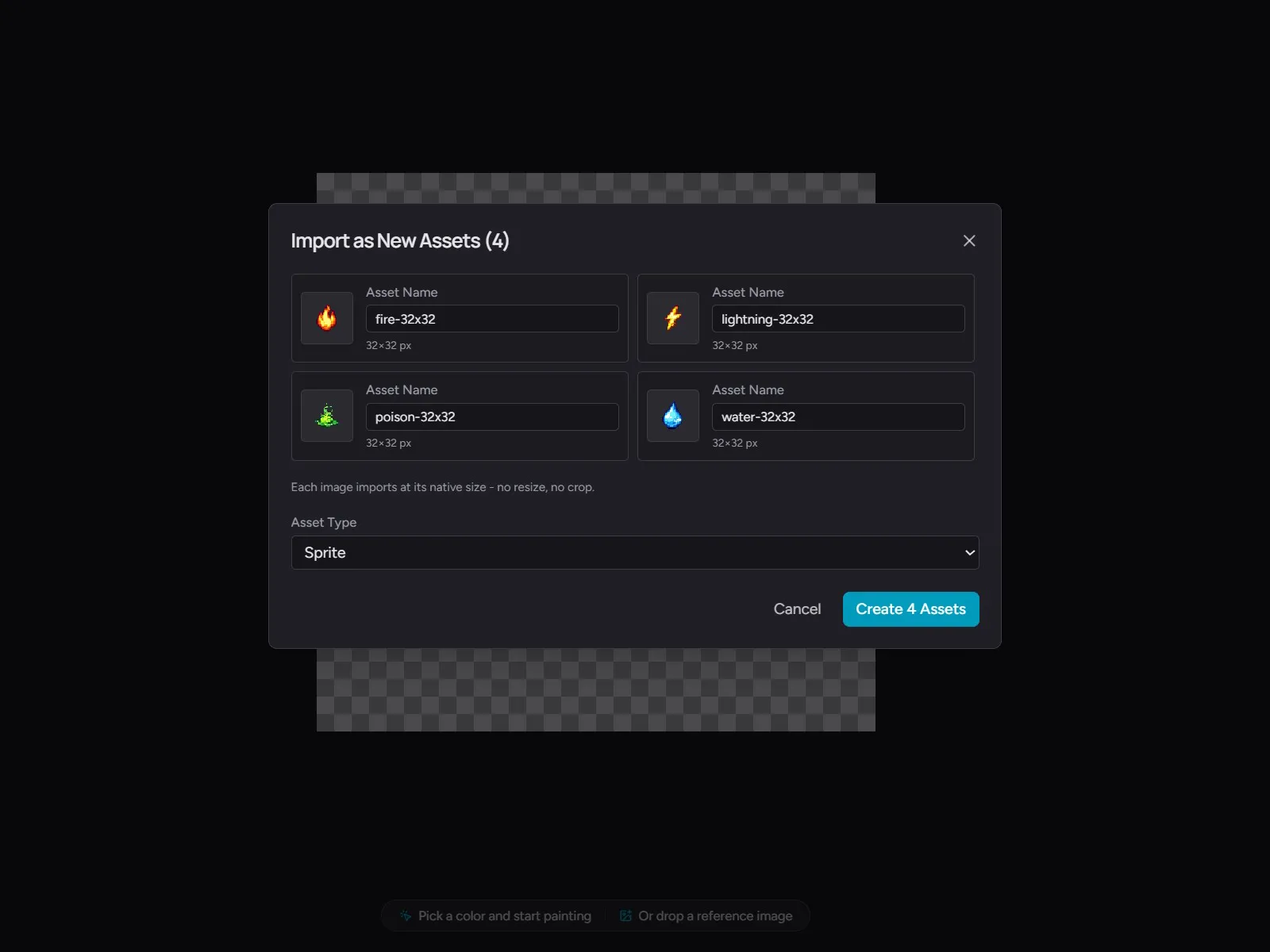
4 MB per image, any of PNG, JPEG, or WEBP. Drag straight onto the canvas, import as a new asset or as a layer on the current one.
Yes. Your work is yours, the autosave is real, and the exports work.
Yes. Your art is yours. Sell your packs, ship them with your game, post them anywhere.
Free. No install, no account. Your art stays in your browser, and every tool, preview, and export is yours to use.